
Designing a board game takes more than a spark of imaginationit takes the right tools. Indie board game designer and content creator Pam Walls Game Design recently broke down her entire digital toolkit in a video (sponsored by lite prepcenter). If youd rather watch her explain it in her own words before digging into the details, heres the full video:
If youre more of a reader, or you want a quick reference guide, youll find the full breakdown of Pams favorite tools (plus some thoughts on fulfillment and shipping) right here in this article.
The Digital Toolbox Every Board Game Designer Needs (and the Secret to Actually Getting Games Into Players Hands)
If youve ever designed a board game, you know the drill: scraps of paper all over the table, mismatched dice from old sets, and a pen running out of ink right when youre trying to sketch a new card. It feels chaotic and brilliant at the same time. But once your idea starts to look like something real, the messy bits start to slow you down. Thats where the right tools, digital and otherwise, can save hours of headaches.
And lets be honest: making a great game is only half the journey. The other half is making sure people can actually play it. That means figuring out storage, shipping, and the logistics no creative mind really wants to deal with. Well get to that part later, but first, lets talk about the fun stuff: the digital programs that modern board game designers swear by.
Prototyping Without Losing Your Sanity
Every game begins with a scrappy prototype. A few cut-up index cards, a Sharpie, maybe some leftover cardboard from last nights pizza box. That works for early sparks of inspiration, but once the game starts clicking, you need something better.
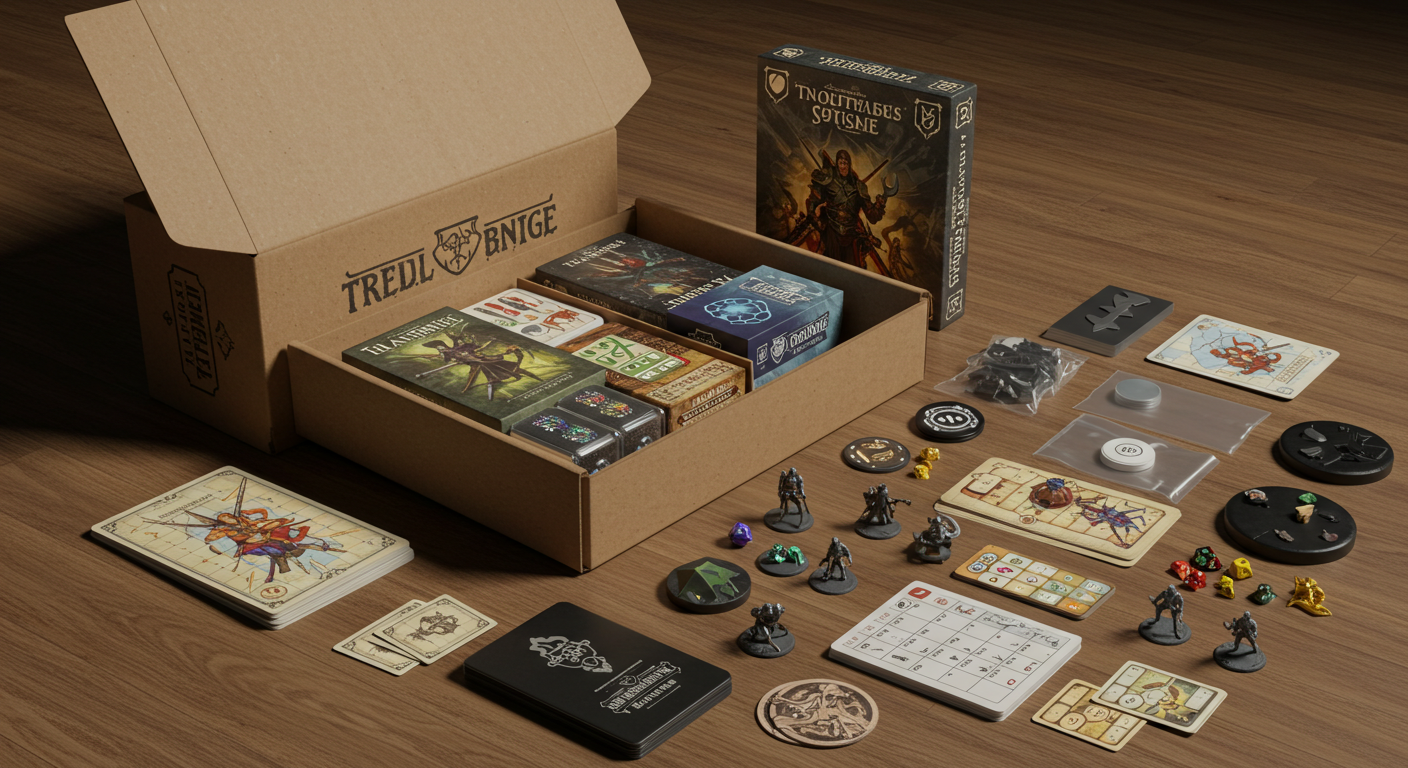
For years, plenty of designers wrestled with programs like Google Draw, manually changing every card one by one. If youve ever updated 120 cards because you changed one keyword, you know that pain. Its tedious, its soul-crushing, and it eats into the time youd rather spend testing and tweaking mechanics.
Thats where tools like Dextrous, Component Studio, or Nandec step in. Instead of redesigning every piece by hand, you link layouts to spreadsheets. Change a word or adjust a rule in your spreadsheet? Every card updates automatically. It sounds small, but this kind of workflow shift is the difference between spending two weeks on a fix versus two minutes.
Honestly, this is the kind of tool you dont know you need until youve wasted enough nights cutting and recutting components. And while Dextrous is a personal favorite for many designers, the truth is: the specific program doesnt matter as much as the principle. Use something that scales with your changes, your future self will thank you.
Ready to Fulfill Game Orders Effortlessly?
Get aFREEquote from lite prepcenter to see how we could help simplify your online order fulfillment.
Playtesting: Around the Table or Across the Internet?
Theres no substitute for in-person playtesting. Watching people lean forward when theyre plotting their next move or slump back and pull out their phone mid-turn tells you almost everything you need to know about how engaging your design really is. Those nonverbal cues are gold.
But not everyone has a group of willing playtesters nearby. Some live in rural areas, others deal with health restrictions, and lets be real, sometimes your friends are just tired of being your guinea pigs. Thats why digital playtesting is such a gift.

Platforms like Tabletopia, Tabletop Simulator, Screentop.gg, and PlayingCards.io allow you to import your prototypes and test them with people all over the world. There are even dedicated communities like the Virtual Playtesting Discord or Break My Game that exist solely to help designers refine their work. Publishers often request digital versions now, tooits just part of the professional toolkit.
And if youre leaning toward crowdfunding, having a playable digital version available for potential backers can boost trust. Think of it as the try before you buy version of your game. A prototype people can actually touch (even virtually) carries a lot more weight than a pretty rules PDF.
The Not-So-Flashy Hero: Staying Organized
Heres the thing nobody tells you: designing games isnt just about designing games. Its paperwork, file management, and tracking what version of your rulebook is actually the real one.
Thats where something like Google Drive quietly saves your sanity. Its not glamorous, but having a single folder for each project, with subfolders for prototypes, rules, playtest notes, pitch decks, and contractsmeans you arent digging through a desktop graveyard of final-final-v3 files at 2 a.m.

Plenty of designers also use spreadsheets to track pitches (which publisher saw which game), expenses, and royalties once things actually start selling. Its boring work, but its the kind of boring work that keeps you professional. And the best part? It grows with you. Whether youre making one game or juggling ten, your Drive folders evolve right along with you.
A small side note here: organization is also a mental relief. Game design is already full of unknowns. Having one place where your documents live? Thats a rare slice of peace.
Design Tools That Wont Drain Your Wallet
At some point, every designer realizes they need more than a pen and printer. Rulebooks need to look polished, box art needs to be crisp, and even your sell sheets have to stand out. Adobe tools like Photoshop and Illustrator are the industry standard, but theyre expensiveand for indie creators, recurring subscriptions can feel like paying rent on creativity.

Thats why so many designers have switched to the Affinity Suite:
-
Affinity Designer (vector design like Illustrator)
-
Affinity Publisher (layout like InDesign)
-
Affinity Photo (photo editing like Photoshop)
One-time purchase, no endless subscription. You pay once, and youre good until a major upgrade years down the road. That alone makes it appealing for creators operating on thin budgets.
Beyond cost, the suite is surprisingly intuitive. Many designers use Affinity to build logos, lay out rulebooks, and even experiment with card layouts before sending them back into Dextrous. Some just use it for quick marketing assets, like images for a Kickstarter page. And sure, youll probably make ten ugly logos before one looks rightbut thats part of the process.
Its not about perfection the first time. Its about having the right tools to get you there eventually.
Lets Talk About the Elephant: Shipping Your Game
Okay, lets pause. Everything weve talked about so far, prototyping, playtesting, organizing, designing, is the creative side. The fun side. But what happens when your Kickstarter succeeds? Or when youre staring at 1,000 copies of your game stacked in your garage?
Thats the moment board game fulfillment stop being background noise and become the entire soundtrack of your life. Orders, storage, shipping labels, returns, its a second full-time job, and most indie designers didnt sign up for that part.

Thats why services like lite prepcenter exist. Theyre not just a warehouse. Theyre a family-owned company that specializes in helping indie publishers move games from storage to players tables. No setup fees, no long-term contracts, and no order minimums, just straightforward fulfillment for creators who dont want to spend their nights taping boxes.
Some lite prepcenter Features include:
| Zero Hidden Fees | lite prepcenter is transparent about costs, ensuring businesses can plan their expenses without fear of unexpected charges. |
| No Order Minimums | This feature is ideal for small businesses or startups that may not have high order volumes initially. lite prepcenter accommodates all levels of business operations. |
| Seamless Integration | They offer easy integration with popular e-commerce platforms such as Shopify, Squarespace, and more! This makes it simpler for business owners to connect their online stores and manage orders effectively. |
| Family-Owned and Operated | Being family-owned, lite prepcenter emphasizes personal customer service and a commitment to supporting other small and family-run businesses. |
| Customized Services | lite prepcenter caters to the specific needs of their clients by offering tailored services including custom packing and personalized inserts, enhancing the customer’s unboxing experience. |
Simplify Board Game Designing with a Fulfillment Service!
Keep Playing to Keep Creating
Theres one more tool worth mentioning, though it isnt software at all: playing more games. Sites like Board Game Arena let you explore titles you might never see at your local store. Its not just funits research.
Designers learn by studying what works, what doesnt, and where theres room for something new. Think of it like being a chef. You dont only cookyou taste. A lot. And the more flavors youve tried, the more interesting your own recipes become.
Plus, lets not kid ourselves. Playing games is why most of us got into this in the first place. Its both a break from work and the best way to fuel it.
Wrapping It All Up
Designing board games is equal parts creativity, persistence, and problem-solving. The right digital tools, whether thats Dextrous for prototyping, Affinity for design, or Google Drive for organization, make the process smoother. Playtesting both in-person and online expands your reach and sharpens your game. And yes, fulfillment matters just as much as all the design work that comes before it.
So maybe the best advice is this: dont try to do everything yourself. Use the tools that save time, and lean on partners like lite prepcenter when its time to ship. Because at the end of the day, your real job isnt packing boxes, its creating games worth playing.
0 Comments